
Published on Sep 08, 2026

Super Admin
How to Make a Birthday Video for Your Child with an AI Video Generator
A personalized birthday video can make a child feel truly special. However, creating one from scratch often takes time, editing skills, and expensive software. An AI video generator offers a much easier option. With a platform like Pollo AI, you can turn simple text prompts, family photos, or birthday ideas into colorful video clips. You do not need professional editing experience.
This guide explains how to create an AI birthday video for kids, including what to prepare, how to write useful prompts, and how to make the final video safe, personal, and fun.
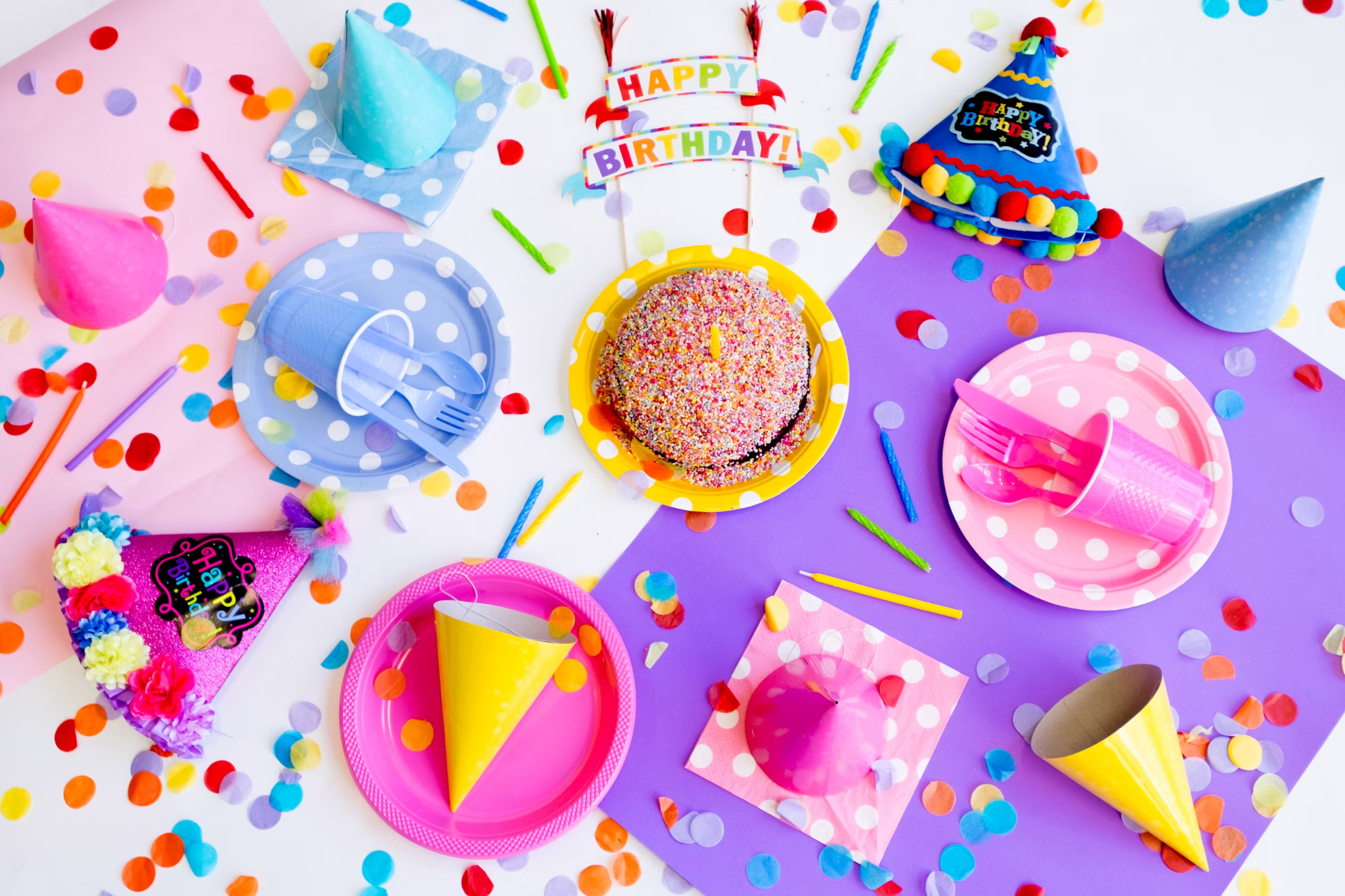
Why Use AI to Create a Kids’ Birthday Video?
With an AI video generator, you can create scenes that would be difficult to film in real life. These videos can be used as:
● A birthday surprise shown at home
● A video invitation for a birthday party
● A digital birthday memory
Pollo AI is a practical AI video creator for this type of project because it brings AI video creation tools together in one place. You can generate videos from text or animate existing images, depending on the style you want.
What to Prepare Before You Start
1. Choose a simple theme
Pick a theme your child already enjoys. Good options include:
● Space adventure
● Princess castle
● Superhero mission
● Dinosaur party
● Underwater world
● Magical forest
● Candy land
Try to use one main theme instead of combining too many ideas.
2. Decide on the video length
A birthday video of 30 to 90 seconds is enough. Short videos are easier to create and keep a child’s attention.
Plan four to six scenes. For example:
- An exciting opening
- The child enters a magical world
- Friendly characters welcome the child
- A birthday cake appears
- Everyone says “Happy Birthday”
3. Collect suitable photos
If you want to include your child’s face, select one or two clear photos. Choose images with good lighting and a simple background. Avoid photos containing private information, school logos, home addresses, or other children unless you have permission from their parents.
How to Make an AI Birthday Video with Pollo AI
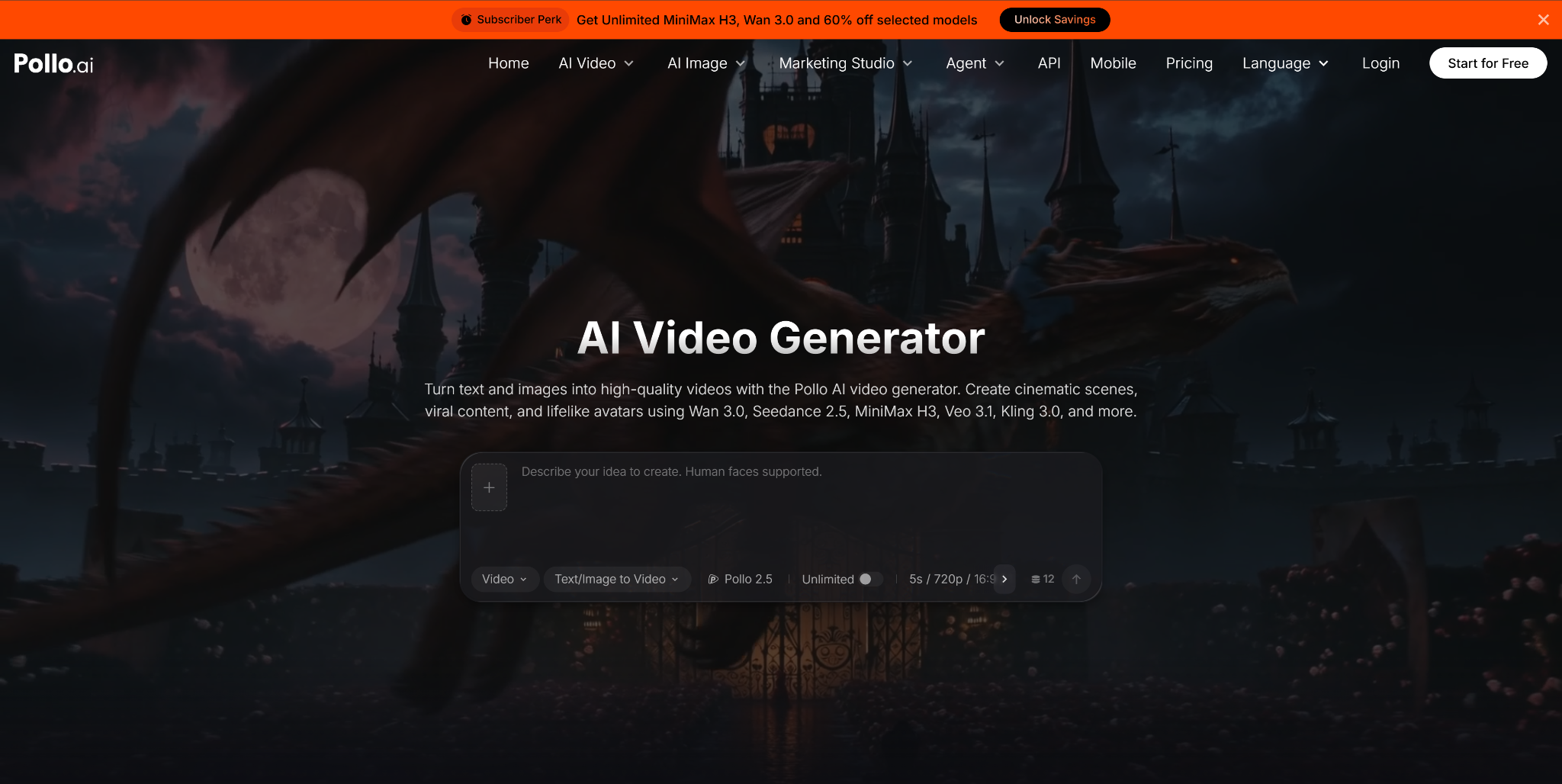
Step 1: Open Pollo AI and choose a creation method
Go to the Pollo AI platform and select the tool that fits your idea.
Use text-to-video if you want to create a complete fantasy scene from a written description. Use the birthday video maker if you want to animate a birthday photo or a picture made for the event.
For a personal birthday video, you can combine both methods. Generate fantasy scenes from text, then animate a family photo for the greeting.
Step 2: Write a clear video prompt
A useful AI video prompt should describe:
● The main character
● The location
● The action
● The visual style
● The mood
● The camera movement
Here is a simple prompt:
A cheerful seven-year-old child wearing a blue birthday hat walks into a colorful space station. Friendly cartoon robots bring out a large birthday cake with glowing candles. Bright colors, warm lighting, joyful mood, smooth camera movement, child-friendly 3D animation.
Keep each prompt focused on one scene. AI tools usually produce better results when they do not have to manage too many characters or actions at once.
Step 3: Generate scenes separately
Instead of asking Pollo AI to create the entire story in one generation, make several short clips.
For example:
● Scene 1: A rocket flies toward a colorful planet.
● Scene 2: The birthday child enters a space station.
● Scene 3: Cute robots carry a cake into the room.
● Scene 4: Stars form the words “Happy Birthday.”
Creating scenes separately gives you more control. If one result looks strange, you only need to generate that scene again.
Step 4: Review every clip carefully
Watch each generated video before using it. Check faces, hands, clothing, text, and background objects. AI-generated videos can sometimes include visual errors.
If a clip does not look right, simplify the prompt. For example, replace “ten robots dancing and carrying gifts” with “two cute robots holding a birthday cake.” Fewer subjects often lead to cleaner results.
Step 5: Add the child’s name and birthday message
AI video tools may not always create accurate on-screen text. A better method is to generate the visual scene first, then add the child’s name with a video editor or Pollo AI’s available editing options.
Keep the message short:
Happy 8th Birthday, Emma!
We love you and hope your day is full of adventure.
Large, clear text is easier for children to read.
Step 6: Add music or a voice message
Choose upbeat, child-friendly background music. Make sure you have permission to use the track, especially if you plan to post the video online.
A recorded message from parents, grandparents, or friends can make the video more personal. Keep background music quiet while someone is speaking.
Keep the Video Safe and Appropriate
Do not include personal details such as your address, school name, phone number, or party location in a publicly shared video. If the video contains your child’s real photo, share it privately with trusted friends and family when possible.
Also check that generated characters are not frightening. For younger children, use words such as “cute,” “friendly,” “bright,” and “child-friendly” in your prompts. Avoid intense action, dark scenes, or realistic monsters.
With Pollo AI, parents can create a memorable AI birthday video without advanced editing skills. A clear theme, a few well-written prompts, and a personal family message are often all you need to make a birthday video your child will enjoy.

Safeguard Your Child Against Online Threat
Register Now Cancel Any Time
Available
on
Cancel Any Time
Available
on