
Published on Jun 22, 2026

Prasanta R
Internet Safety for Children: Essential Rules Every Parent Should Know
With children spending more time online than ever before, digital safety starts with a secure internet connection. When traveling or using mobile devices outside the home, families often rely on public networks that may expose personal data to unnecessary risks. Services like eSIM Plus provide a convenient way to access mobile internet in multiple countries while reducing dependence on unsecured public Wi-Fi, helping parents build a safer digital environment for their children.
Below is a systematic overview of information based on the work of child psychologists, educators, and digital security specialists: what threats children may encounter online, what rules children should remember, and how parents can create a secure digital environment.
What Threats Can a Child Face Online?
Dangers can be divided into several types, but any of them can affect the emotional state, relationships with others, mental, and even physical health.
Unwanted content
- Shocking photos and videos, violent scenes, promotion of drug use;
- Misinformation about diets and the “ideal” body;
- Schemes promising quick illegal earnings;
- Websites featuring gambling or pornographic content without age restrictions.
Cybercrime
- Phishing websites masquerading as official ones to steal bank card information;
- Scams in which a child is persuaded to send a text message or transfer money to save a friend;
- Recruitment into harmful online communities, where manipulative groups use social media to target vulnerable children and teenagers.
Cyberbullying
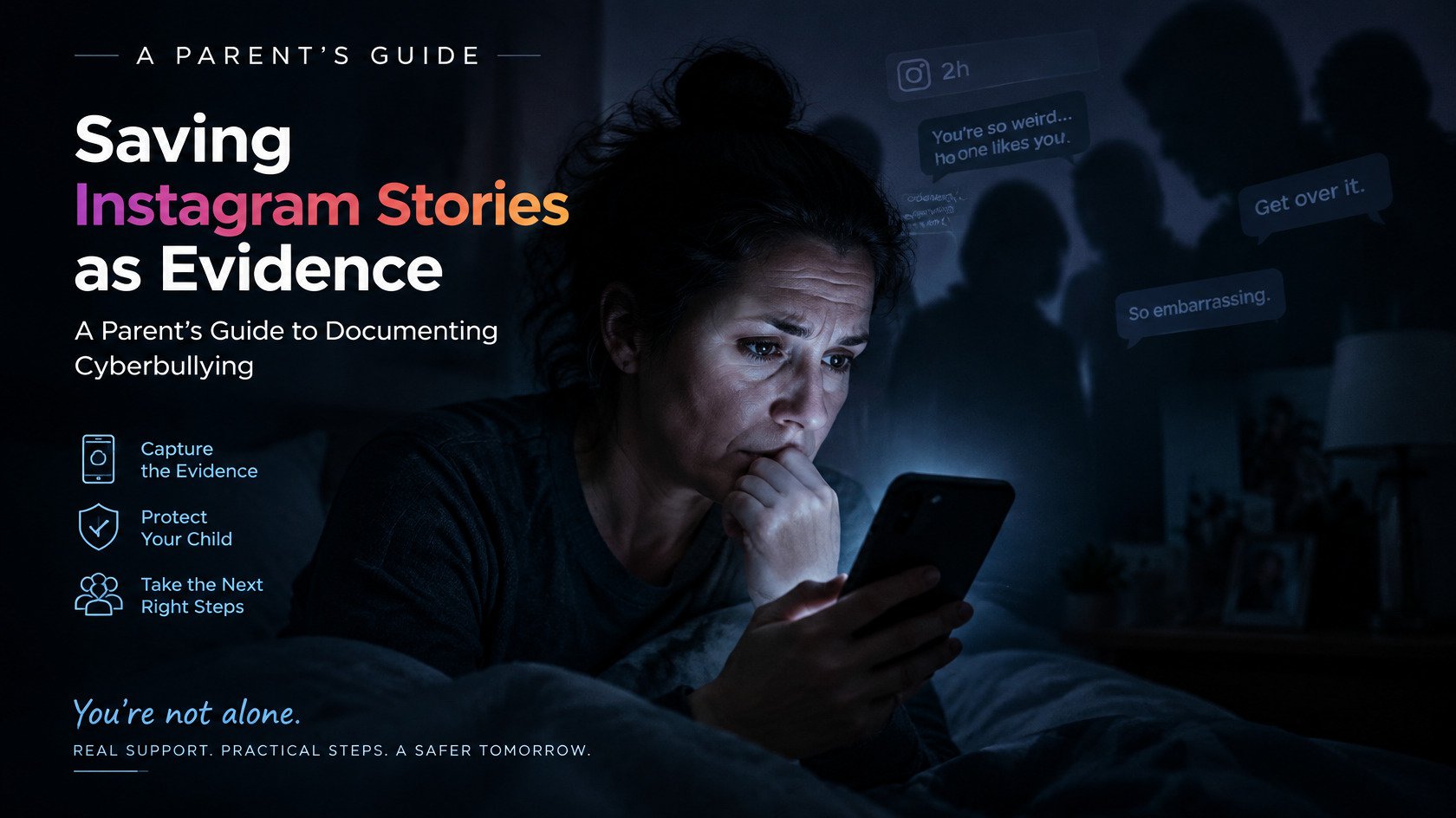
- Insults, ridicule, and the spread of rumors in class or group chats;
- Mocking a child's appearance or performance in online games;
- Doxing is the publication of personal information (address, phone number, photo) without the child's consent.
What Cybersecurity Rules Should a Child Know?
Below is a basic set of recommendations for children, often referred to as “digital etiquette”.
- Strong passwords on all services
Explain that simple passwords like “12345” can be cracked in seconds. A name combined with a birth date is equally insecure. Ideally, the password should contain 10–12 characters, lowercase and uppercase letters, numbers and special characters.
- Do not disclose personal information
Full name, address, school name, geolocation, and photos should not be shared publicly. Parents should help children hide their date of birth (as a rule, all services that require authorization have such an option). This is a basic defense against social engineering — psychological manipulation to manipulate people into taking certain actions.
- Think before you click “Send”
A digital footprint can last forever: a screenshot of the message or photo can be saved, even if the post is deleted. Teach children to first think about whether they would be comfortable with trusted adults (parents, teachers) to see this message or post. This applies to both personal correspondence and communication on social media. This filter helps think more carefully before posting comments and spreading ambiguous content.
- Install software updates
Older versions of operating systems and applications have vulnerabilities. Regular updates fix security vulnerabilities, even if it's a simple favorite game or educational platform.
- Use only verified Wi-Fi
Public Wi-Fi networks without password protection can be risky. It is better for the child not to use them at all, but if there is no other option, then here is a simple list of rules for using public Wi-Fi:
- Do not disclose personal information. Never enter your name, address, passwords, phone numbers, or other personal information on public networks.
- Do not download or install anything. Do not download or install apps or files over public Wi-Fi networks.
- Report anything suspicious. If anything unusual happens while connected (pop-up windows appear, they ask you to enter your data), disconnect from the Internet immediately and tell the parent.
- Turn off Wi-Fi after use. Turn off Wi-Fi on the device after disconnecting from the network.
- Communicate politely online
Communication culture is the foundation of digital behavior. If you wouldn't say it to someone face-to-face, don't say it online. Do not respond to aggression with aggression, do not participate in bullying, block people who are rude, insulting, or provocative.
Tips for Parents
To guide children without overly restricting them, it is important to strike a balance between trust and boundaries.
- Set up parental controls
Modern operating systems and antiviruses offer built-in parental controls: screen-time limits, search filters, and reports on browsing activity. Use them until the child develops self-discipline.
But do not do this in secret from the child, they should know that this is not about mistrust or surveillance, but about the security that he cannot yet provide for himself. It's like giving permission to drive independently — you give it when the child has demonstrated an understanding of safe behavior.
- Define the rules and restrictions
Draw up a family digital-use agreement: when, where, and how much time children can spend online. Clearly mark the evening “digital sunset” — an hour before bedtime, all devices are put away. Write down the rules and restrictions in a prominent place.
- Take into account the age and characteristics of the child:
- children under six — 30 minutes a day under supervision;
- elementary school students — an hour and a half;
- teenagers — up to three hours of intentional rather than passive activities, such as scrolling.
- Be an example of digital hygiene
Children copy adults: if parents scroll through social media feeds during dinner, the child will do the same. Show that reading a book without a phone nearby is normal. The habit of being constantly connected reduces digital vigilance.
- Discuss Internet threats openly
Fear-based warnings are often ineffective. Analyze a specific piece of news — for example, how strangers tried to extort money from a teenager during a livestream. Ask, “What would you do in that situation?”
- Monitor your devices and apps
Regularly check (of course, in the presence of the child) the list of installed games, access to the camera and microphone. Watch for unfamiliar icons — for example, malicious keylogging software can disguise itself as a calculator or other system application. If you did not install the app and it was not installed by default, remove it.
These programs record keystrokes, and may also capture clipboard data, call logs, and location information, and even sound and image from the microphone and camera.
- Keep an eye on your child's emotional state
Sudden mood swings, insomnia, and unwillingness to go to school are possible signs of bullying. Maintain trusting communication, be open to difficult conversations, offer support rather than questioning them aggressively.
- Develop critical thinking
Teach children to distinguish advertising from expert content, fake images from authentic ones. Show the fact-checking tools: reverse image search (a method of image search that allows you to find similar images, determine their origin, and verify their authenticity or use it for other purposes), and domain verification.
- Create a secure digital ecosystem
Create separate accounts. Children should have their own accounts without access to payment data.
- Use different passwords for adult and child accounts
Remove unnecessary extensions, disable unnecessary startup programs and auto-updates, encrypt backups, and regularly clear cached data.
- Promote the development of skills
Enroll your child in a cybersecurity webinar or take an online family course together. Technology clubs and coding programs can also be beneficial: the more a student understands about code and security, the less likely they are to fall victim to scams.
Protecting children online requires more than a single rule or setting. A combination of digital education, open communication, and reliable parental control tools can significantly reduce online risks.
Solutions like Fenced.ai help parents monitor device activity, manage screen time, review app usage, and stay aware of potential online threats. Used responsibly and transparently, these tools support parents in guiding children toward safe and healthy digital habits.
Conclusion
The internet is not an enemy but an essential tool in modern life. Adults have a responsibility to teach children how to use it responsibly and safely, because their development, well-being, and emotional and physical health depend on it.
The goal is not to keep children away from technology, but to help them develop the skills needed to navigate the digital world safely. Through education, open communication, and responsible monitoring, parents can create an environment where children benefit from the internet while minimizing potential risks.

Safeguard Your Child Against Online Threat
Register Now Cancel Any Time
Available
on
Cancel Any Time
Available
on