

Published on Sep 05, 2025

Prasanta R
IT Support Teams Resolving Tickets Without the Endless Backlog
Every IT support team knows the pain of growing ticket queues. Employees report issues, systems throw alerts, and before long the backlog feels unmanageable. What begins as a few support requests quickly snowballs into missed deadlines, frustrated users, and stressed technicians.
That's why many IT leaders go beyond generic help desk apps when exploring the best project management tools. They need a system that doesn't just track tickets but organizes documentation, speeds approvals, and connects teams instantly. Lark delivers that foundation, helping IT teams resolve tickets quickly and prevent backlogs from building up.

IT teams often face approvals before tickets can move forward — procurement of hardware, license renewals, or access permissions. If these workflows depend on emails or paper forms, delays pile up. Lark Approval digitizes the process, allowing requests to move quickly through the right reviewers.A technician submits a request for additional software licenses, managers review and approve in minutes, and the decision is logged for accountability. This speed keeps IT teams agile while preserving control. For nonprofits, corporations, or startups, this streamlined process is another reason Lark fits the profile of business process management software. By removing approval bottlenecks, tickets get resolved before employees lose productivity.
Structuring ticket workflows with Lark Base
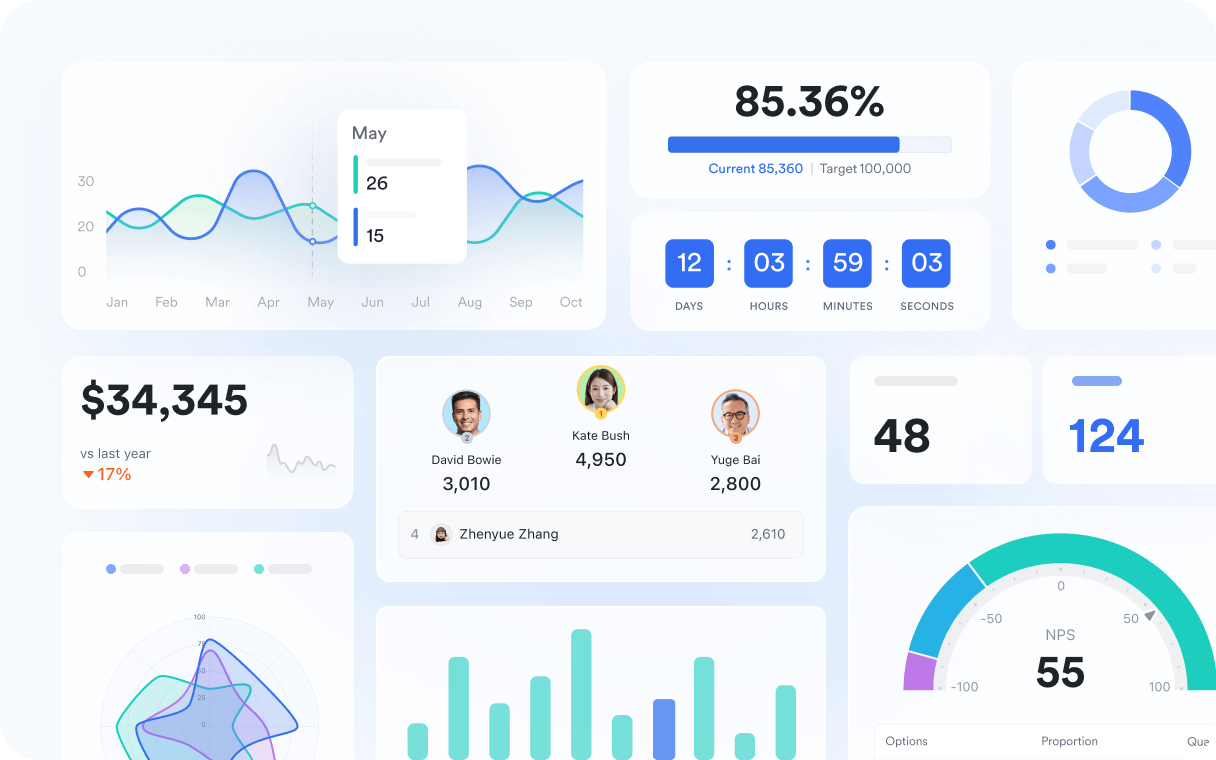
Support tickets are rarely simple. One request may require multiple follow-ups, escalation to different departments, or compliance checks before closure. Relying on spreadsheets or siloed tools makes it easy for issues to fall through the cracks. Lark Base provides a structured platform where IT teams can design workflows that scale.Customizable tables let managers track ticket categories, escalation paths, and service-level agreements. Views allow frontline technicians to focus on their own queues, while managers see the broader picture across teams. Automations send reminders when deadlines approach or notify supervisors when a ticket stalls. In practice, Lark itself works as a CRM app for IT teams — not in the sales sense, but in the way it ensures every ticket, escalation, and follow-up remains organized, accountable, and visible from start to finish.
Communicating updates with Lark Messenger
Ticket resolution often requires coordination across IT, employees, and external vendors. Without quick communication, tickets linger. Lark Messenger brings these conversations into one real-time space where updates happen immediately.Channels can be created for categories like "network issues" or "access requests." Threaded replies keep discussions about specific tickets organized, while reactions confirm updates quickly. For example, if an employee loses access to a business-critical tool, the help desk posts the issue in Messenger. The security team responds, the IT admin confirms resolution, and the employee is updated in real time. This instant loop shortens resolution times and improves employee satisfaction.
Publishing troubleshooting guides in Lark Docs
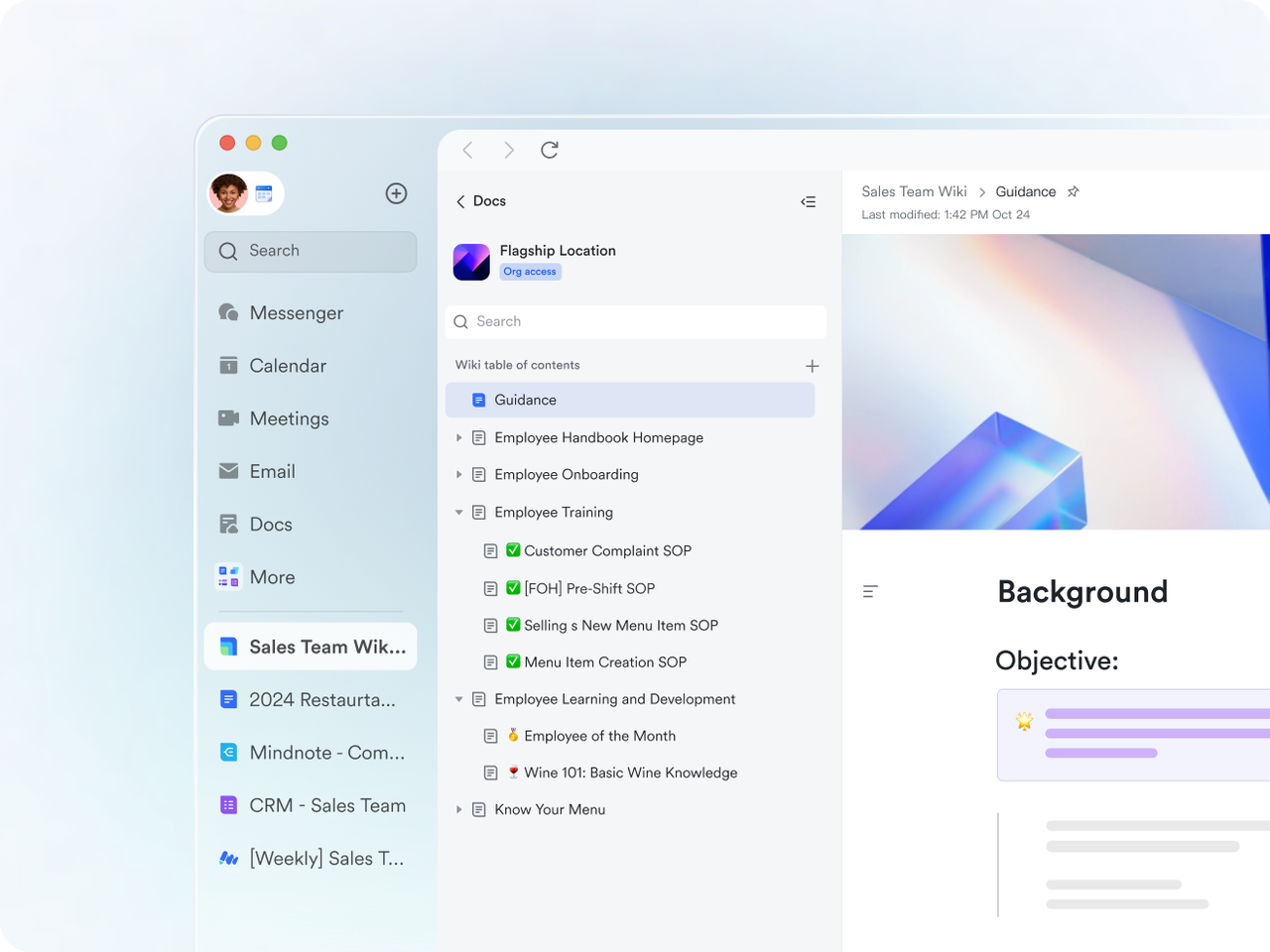
Many tickets repeat the same core issues — password resets, VPN setup, or software installations. If support staff spend time resolving these manually each time, the backlog grows unnecessarily. Lark Docs provides a central library where IT teams can publish guides, SOPs, and user instructions.Employees can access troubleshooting steps themselves, reducing the number of repetitive tickets submitted. IT staff can collaborate on keeping guides up to date, with version history ensuring accuracy. For instance, after rolling out a new collaboration tool, IT creates a setup guide in Docs. Instead of logging dozens of tickets, employees follow the guide independently. Support teams focus on more complex issues, keeping queues under control.
Scheduling follow-ups with Lark Calendar
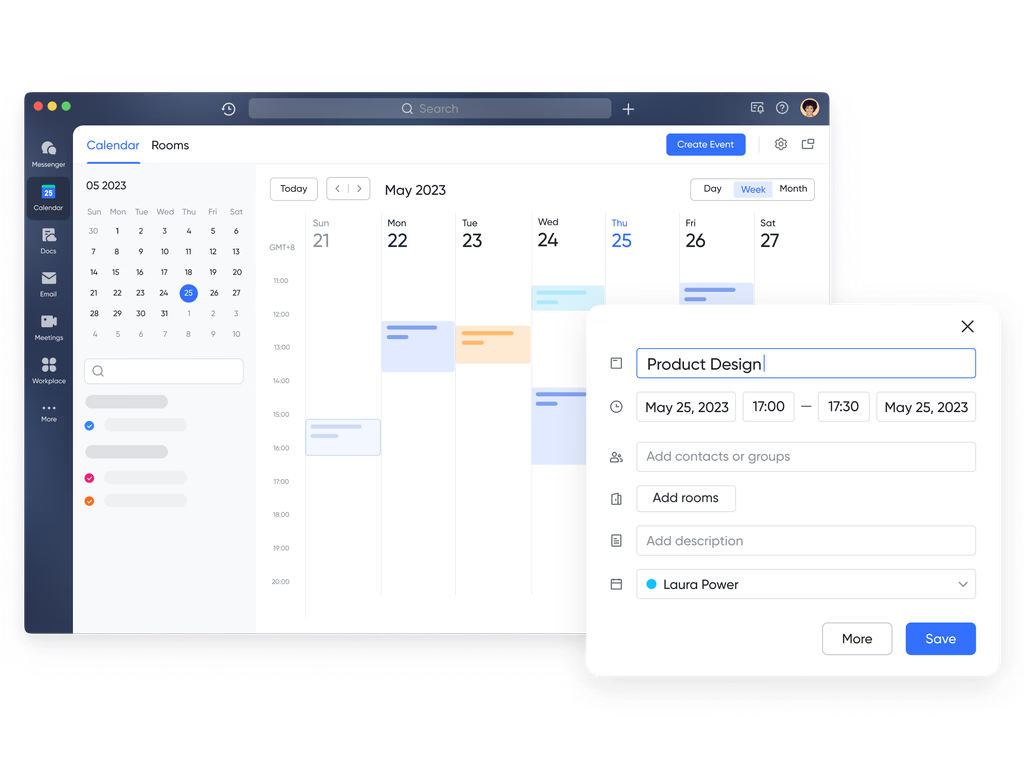
Many IT issues don't end with a quick fix. System upgrades, downtime notices, or follow-up actions must be carefully scheduled. If these commitments aren't visible to the right people, deadlines get missed. Lark Calendar makes timelines transparent, ensuring accountability.Shared calendars can show system maintenance windows, patch rollouts, and user training sessions. Tasks created in Lark appear automatically in Calendar, aligning small steps like testing updates with larger goals like network stability. For example, when a major server upgrade is planned, IT schedules it in Calendar with clear visibility for employees. Teams prepare in advance, users know when to expect downtime, and tickets about system availability decrease significantly.
Capturing insights with Lark Minutes
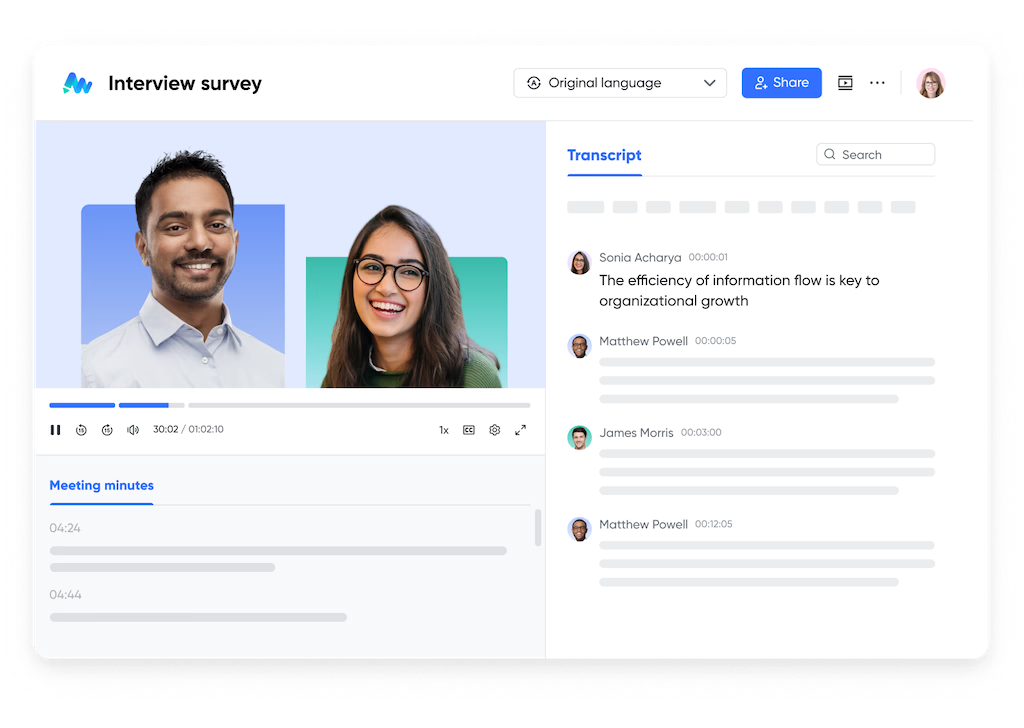
Every major incident or recurring issue should end with a review. Too often, the outcomes of these discussions are scattered in personal notes and quickly forgotten. To solve this problem, Lark Minutes records the audio speech, saves the video conference, and transcribes the meeting dialogue into searchable text. With clicks on the speaker, the timeline, or the smart chapters, you can quickly point out the key information and use it further.After a high-priority outage, for example, the IT team records meeting notes in Lark Minutes. The system organizes action items, follow-ups, and lessons learned into one accessible space. Weeks later, when a similar issue arises, staff revisit the record and apply the same proven fixes. This continuity reduces repeat problems and ensures every incident strengthens the team's knowledge base.
Conclusion
IT support teams succeed when they resolve tickets quickly and prevent new backlogs from forming. With Lark Base, Messenger, Docs, Calendar, Approval, and Minutes, teams gain the systems they need to work efficiently. Tickets move through clear workflows, employees find answers faster, and approvals don't slow down progress.At the same time, IT leaders know that long-term success depends on relationships with both internal stakeholders and external vendors. Many organizations manage these connections with a Lark, ensuring every interaction is tracked and valued.By adopting Lark, IT support teams move from reactive firefighting to proactive problem-solving. Backlogs shrink, satisfaction grows, and employees trust IT to keep them working without disruption.

Safeguard Your Child Against Online Threat
Register Now Cancel Any Time
Available
on
Cancel Any Time
Available
on