
Published on Aug 21, 2026

Prasanta R
Simple Ways to Protect Children From Online Risks
Most parents know the moment. A child is laughing at a game, then suddenly looks worried or turns the screen away.
The internet supports homework, friendships, hobbies, and entertainment, but it also brings risks into the home.
A fake prize, a cruel group chat, or a photograph showing a school gate can cause real trouble. The goal is to help children notice warning signs and ask for help.
Talk About Ordinary Online Life
Safety conversations work best before a problem appears. Ask your child about favourite games, funny videos, new apps, and the people they meet online.
Keep the tone relaxed and curious. “What did you enjoy online today?” often leads to a better conversation than questions that sound like an inspection.
Listen without interrupting or judging every detail. Children are more likely to mention uncomfortable messages when they know an honest answer will not cause immediate punishment.
Your reaction matters as much as your advice. A calm response shows that mistakes can be discussed and solved together.
Make Honesty Safer Than Secrecy
Tell your child that asking for help will not automatically cost them a phone or gaming account. Deal with the danger first, then discuss consequences calmly.
That promise keeps communication open when a confusing message or bad decision appears.
Choose a Few Rules the Family Can Follow
A rulebook with twenty points will soon be forgotten. Five clear expectations are easier to remember and enforce.
The following boundaries cover many everyday situations:
- ask before downloading an app or joining a private group;
- keep accounts private unless a trusted adult approves another setting;
- never share passwords, addresses, school details, or travel plans;
- leave conversations that become threatening, sexual, or manipulative;
- tell an adult when something creates fear, pressure, shame, or confusion.
Explain the reason for each rule. Children usually cooperate better when a limit makes sense and applies consistently.
One useful rule is to be careful about the educational resources children find online. When assignments pile up, they may look for tutorials and other materials to make difficult tasks more manageable. Not every resource they find is trustworthy, so encourage children to choose reputable, well-established websites and avoid sharing personal information with unfamiliar services. For example, a reliable resource offering Excel homework help can be a safer choice when a child needs additional support with a difficult assignment. Learning to evaluate online sources is another practical part of staying safe on the internet.
Change the Rules as Children Grow
A young child needs close supervision, while a responsible teenager needs room to practise judgment. Digital freedom should increase in small steps.
Revisit the agreement after a new device, game, school platform, or social account arrives.
Put Safety Settings to Work
Parental controls can filter explicit material, limit purchases, restrict downloads, and manage screen time. They are useful, but no filter catches everything.
Check every connected device, including consoles and smart televisions. Then complete these basic steps:
- Update the operating system and frequently used apps.
- Turn on age-appropriate content filters and purchase approval.
- Enable two-factor authentication on important accounts.
- Review camera, microphone, location, and contact permissions.
- Test the blocking and reporting tools with your child.
Repeat this check after major updates. Some apps add public features or change default privacy settings with little notice.
Explain What You Monitor
Secret surveillance may damage trust, especially with teenagers. Say what you can see, why you check it, and when that access may change.
Monitoring should protect a child from harm, not control every harmless conversation or friendship.
Teach Privacy Through Real Examples
“Do not share personal information” sounds simple, but the phrase is vague to a child. Concrete examples make it easier to understand.
A photograph from football practice might show a team name, school badge, street number, and regular meeting time. Together, those details reveal a routine.
Location settings need similar attention. Some apps attach a live position to photographs, games, or friend requests without making it obvious.
Before posting, ask three questions: Who can see this? What does it reveal? Would I be comfortable with it appearing later?
Private messages also deserve caution. Screenshots can travel far beyond the original chat, even after a post disappears.
Practise Spotting Scams Together
Scammers often rely on excitement, fear, or urgency. They may promise free game currency, claim an account will close, or demand immediate payment.
Turn suspicious messages into a detective exercise. Check the sender, spelling, web address, request, and pressure behind the message.
A real company rarely needs a child’s password through chat. A genuine prize should not require a secret fee or unfamiliar download.
Phishing can appear inside trusted games and social networks. Fake friends may offer rare items, followers, prizes, or restricted content.
Online grooming may begin with praise, gifts, sympathy, and shared interests. Friendly behaviour does not always mean safe intentions.
Adults should never request private images, demand secrecy, or pressure children to move into hidden conversations.
Make Cyberbullying Easier to Report
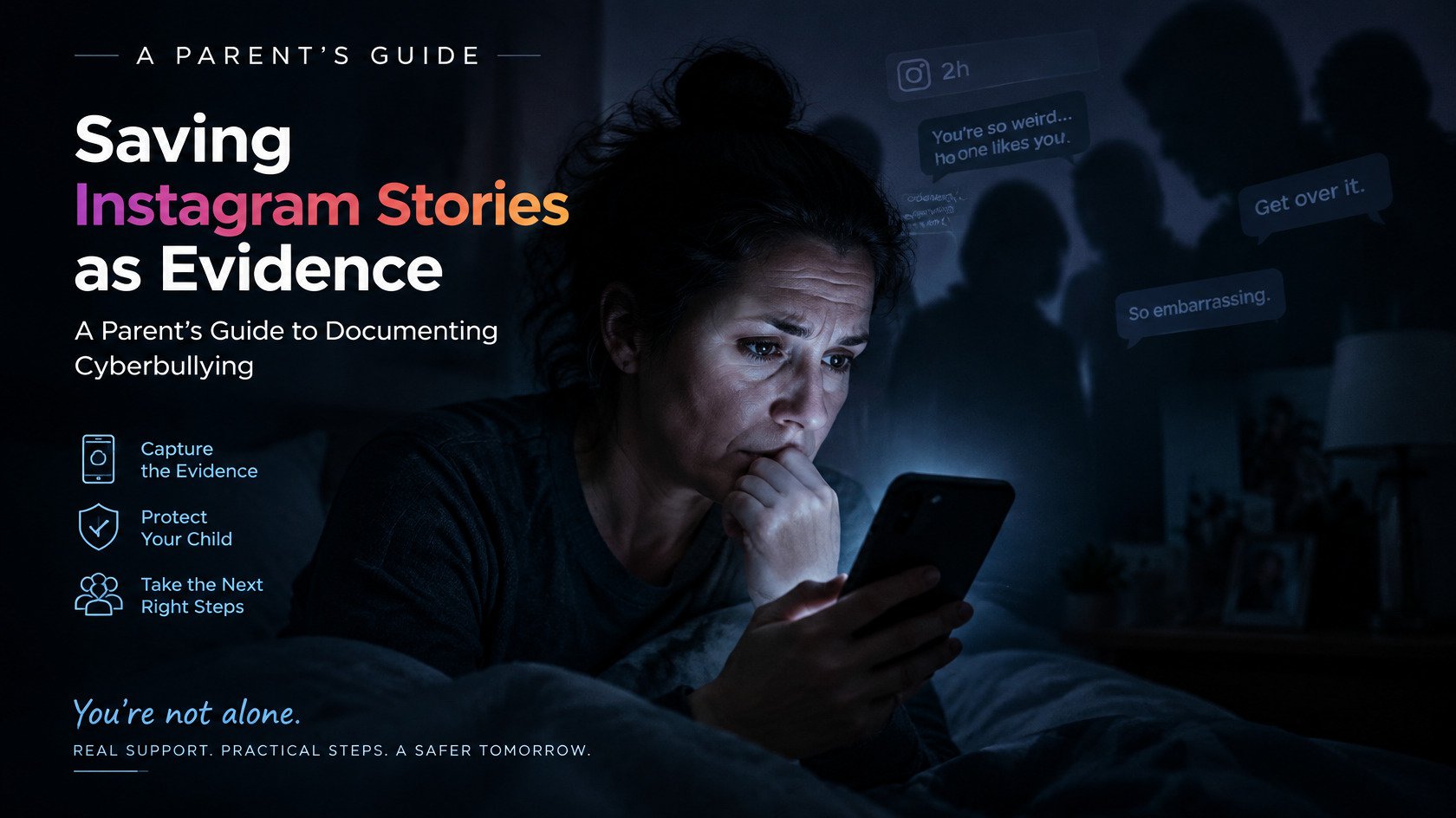
Cyberbullying may involve rumours, exclusion, impersonation, cruel jokes, threats, or embarrassing screenshots. Sometimes it happens in a group others consider harmless.
Watch for changes rather than waiting for a confession. Poor sleep, school avoidance, sudden silence, or leaving a favourite app may signal distress.
When your child speaks, listen before taking over. Save evidence, ask what happened, and discuss which next step would feel manageable.
Retaliation usually makes matters worse. Angry replies can spread the conflict and create more content for others to share.
Use blocking and reporting tools where appropriate. When classmates are involved, the school may need enough information to respond.
Know When to Act Immediately
Sexual requests, blackmail, stalking, serious threats, or plans for an offline meeting require urgent adult action.
Save screenshots and account details before blocking the person. Contact the platform and relevant local authorities when a child may be in danger.
Avoid blame, even when the child shared too much. Shame can close the conversation when you need honesty most.
Look Inside Games and Social Media
Do not judge a game only by its colourful design. Check its chat options, friend requests, purchases, user-created content, and age rating.
Voice chat deserves attention because strangers can speak directly to young players. Disable private contact when it is unnecessary or hard to supervise.
In-game shops use countdowns, bright rewards, and limited offers. Purchase approval prevents one rushed tap from becoming an expensive surprise.
For social media, start with a private profile. Limit who can comment, tag photographs, send messages, or add the child to groups.
Talk about influencers and follower counts without mocking their importance. Young users may not recognise sponsorships, edited images, or staged lifestyles.
Protect Sleep, Attention, and Mood
Not every online risk comes from another person. Constant notifications can disturb sleep, weaken concentration, and leave children emotionally drained.
Choose device-free moments, such as meals, homework sessions, and the hour before bed. Charging phones outside bedrooms can reduce late-night scrolling.
Offline life still matters. Sport, music, crafts, reading, and unplanned time offer space away from comparison and digital pressure.
Notice how each platform affects your child. A service that repeatedly causes anxiety or irritation may deserve a temporary break.
Have a Calm Plan for Mistakes
Even careful children click false links, reveal passwords, or reply to the wrong person. Panic will not help, but a clear response can limit harm.
Stop further contact, save useful evidence, and change compromised passwords. Check connected accounts and remove exposed details where possible.
Most importantly, thank the child for speaking up. That calm response makes another honest conversation more likely.
Final Thoughts
Protecting children from online risks does not mean watching every click. It means staying involved without turning home into a surveillance room.
Begin with small changes that fit family life. Review privacy settings, agree on simple rules, discuss suspicious messages, and protect bedtime from devices.
As children grow, control should give way to judgment. The strongest protection is a young person who recognises danger and knows where to turn.

Safeguard Your Child Against Online Threat
Register Now Cancel Any Time
Available
on
Cancel Any Time
Available
on