
Published on Oct 10, 2025

Prasanta R
5 Cloud-Based Visitor Management Systems for Multi-Location Offices
Managing visitor flow across multiple office locations can quickly become overwhelming without the right tools. Traditional sign-in sheets and manual tracking systems don’t provide the visibility or consistency modern businesses need.
That’s where cloud-based visitor management systems come in. These solutions centralize check-ins, security, and visitor data in one platform, making it easier for teams to stay coordinated no matter how many offices they oversee.
In this blog, we’ll explore five of the best options for multi-location offices.
Top 5 Visitor Management Tools
Let’s look at the leading visitor management systems designed to optimize check-ins, reduce wait times, and improve visitor experience across multiple office locations.
1. Qminder
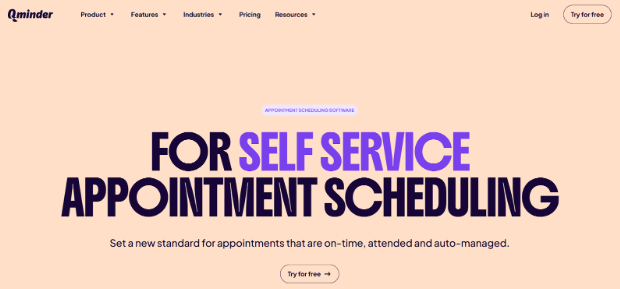
Visitor Management Systems like Qminder offer a cloud-based solutions built to simplify guest flow across multiple offices. Qminder helps organizations manage both scheduled appointments and walk-ins while keeping wait times under control.
Visitors can check in through kiosks, mobile apps, or even online before arriving, and receive real-time updates on their status. For teams, Qminder offers a centralized dashboard to monitor visitor traffic across locations, track wait times, and generate insights for better resource planning.
Key Features:
- Digital check-in via kiosk, mobile, or web
- Real-time SMS/email notifications for updates
- Custom workflows for different visitor types
- Multi-location management from one dashboard
- Visitor analytics for tracking traffic patterns and service times
- CRM and scheduling software integrations
Pros:
- Intuitive design for both staff and guests
- Streamlines operations and reduces front-desk workload
Cons:
- May feel advanced for small, single-location offices
Pricing: Free 14-day trial. Paid plans start at $389/month, with enterprise pricing available.
2. DaySchedule
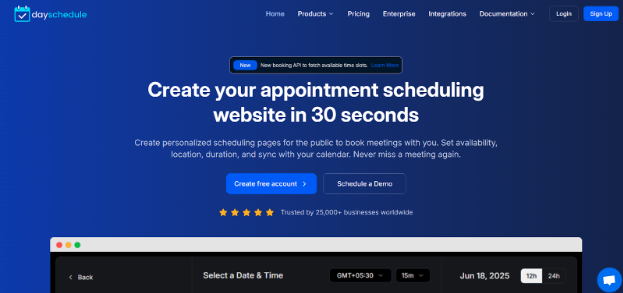
DaySchedule is a cloud-based scheduling tool that helps multi-location offices coordinate appointments, client data, and performance metrics from one place. Its clean dashboard makes it easy for teams to stay organized, whether they’re managing in-person meetings or virtual sessions.
With features like branded booking pages, group scheduling, and built-in payment integrations, DaySchedule is designed to give smaller and mid-sized teams a professional, streamlined experience without adding complexity. Video conferencing support also makes it a good fit for hybrid workplaces.
Key Features:
- Branded booking pages with customizable forms
- Group scheduling with role-based access
- Integrations for calendars, payments, and video calls
- Real-time analytics for monitoring booking activity
Pros:
- Quick setup and simple interface
- Affordable solution for growing teams
Cons:
- Free plan has booking limits
- Customization options are somewhat limited
Pricing: Free plan available; paid plans start at $8/month.
3. Skiplino
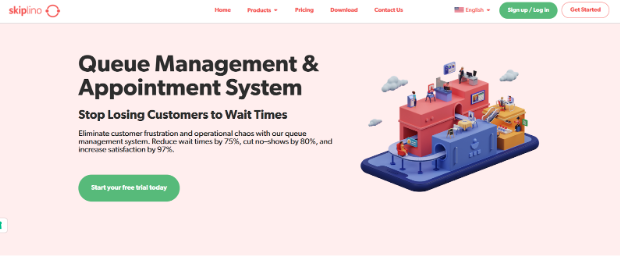
Skiplino is a cloud-based visitor management and queuing system built for offices that handle heavy foot traffic. It lets visitors book appointments or join queues remotely via a mobile app or web link, cutting down on overcrowded waiting areas. Guests receive real-time SMS or app updates about their place in line, making the process more predictable and less stressful.
With multi-service support and built-in analytics, Skiplino helps staff manage visitor flow across different departments while improving overall efficiency.
Key Features:
- Remote check-ins via mobile app or web link
- Real-time SMS and in-app notifications
- Support for multiple service lines in one system
- CRM and third-party integrations
- Analytics dashboard for monitoring performance
Pros:
- Mobile-first experience that’s easy for visitors
- Keeps queues organized and transparent
Cons:
- Needs reliable internet to perform well
- Pricing may feel high for smaller offices
Pricing: Starts at $300/month.
4. Square Appointments
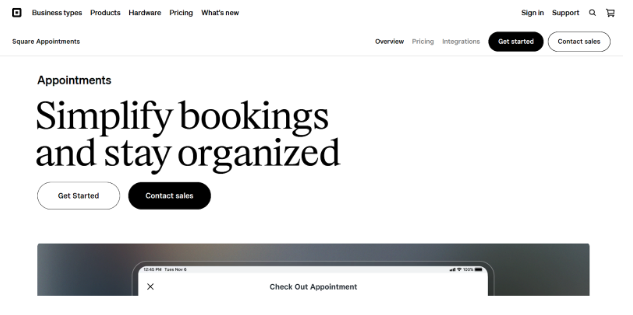
Square Appointments is a cloud-based scheduling and payment solution that doubles as a visitor management system. It’s especially useful for multi-location offices or public sector departments that need to handle both bookings and transactions in one place. With POS integration built directly into the platform, staff can process payments during or after appointments without switching tools.
Its mobile-friendly design makes it easy for visitors to book and manage appointments on the go, while calendar syncing and resource management features keep operations running smoothly.
Key Features:
- Built-in POS for secure payment processing
- Mobile-first booking and scheduling
- Google Calendar integration
- Supports online and walk-in appointments
- Staff management and commission tracking
Pros:
- Easy-to-use, mobile-ready interface
- Combines payments and scheduling in one system
Cons:
- Only integrates with Google Calendar
- Limited to Square as the payment processor
Pricing: Free for one location. Paid plans start at $29/month per location.
5. Setmore
Setmore is a cloud-based visitor and appointment management system ideal for smaller offices or community-facing teams that need an easy, cost-effective solution. Its free plan includes unlimited appointments for up to four users, helping front desks stay organized without extra expense.
Users can create branded booking pages and connect scheduling to social media channels like Facebook and Instagram, as well as websites. While it doesn’t include advanced visitor management features, Setmore covers the essentials in a clean, user-friendly interface.
Key Features:
- Free plan: unlimited appointments, up to 4 users
- Branded booking pages with logos and banners
- Social media and website integrations
- Zapier support for connecting with apps like Google Contacts or MailChimp
- Payment options via Square, Stripe, and PayPal
Pros:
- Simple, intuitive setup
- Affordable with core scheduling functions
Cons:
- Lacks intake forms and coupon support
- Free plan limited to one-way calendar sync
Pricing: Free for up to 4 users; paid plans start at $5/month.
Conclusion
Managing visitors efficiently is essential for multi-location offices, and cloud-based visitor management systems make it easier than ever. Solutions like Qminder, Skiplino, DaySchedule, Square Appointments, and Setmore streamline check-ins, appointments, and queue management while providing real-time updates and analytics.
They reduce wait times, improve staff productivity, and create a more professional experience for visitors. Investing in the right system ensures smoother operations, happier visitors, and better overall service delivery.
FAQs
What are the key benefits of using a cloud-based visitor management system across multiple office locations?
A cloud-based system centralizes visitor check-ins, appointments, and queue management, allowing staff to monitor activity across all sites in real time. It reduces wait times, improves consistency in visitor experience, and simplifies reporting and analytics for better decision-making.
How does a cloud-based VMS handle visitor data privacy and security across locations?
These systems use encryption, secure cloud storage, and access controls to protect visitor information. Many are GDPR-compliant or follow other regional data protection standards, ensuring data is securely shared across locations without breaches.
Can these systems integrate with access control and employee directory tools used in different offices?
Yes. Most cloud-based VMS platforms support integrations with access control systems, employee directories, and other IT infrastructure, making it easy to manage permissions, notifications, and visitor access consistently across multiple offices.
What features should I prioritize when choosing a VMS for multiple office locations?
Look for centralized dashboards, multi-location management, real-time visitor tracking, appointment scheduling, mobile and kiosk check-ins, reporting/analytics, and robust data security. Integration with existing tools and scalability for future growth are also essential.

Safeguard Your Child Against Online Threat
Register Now Cancel Any Time
Available
on
Cancel Any Time
Available
on