

Published on Jun 29, 2026

Prasanta R
Best AI Writing Chrome Extensions to Try in 2026
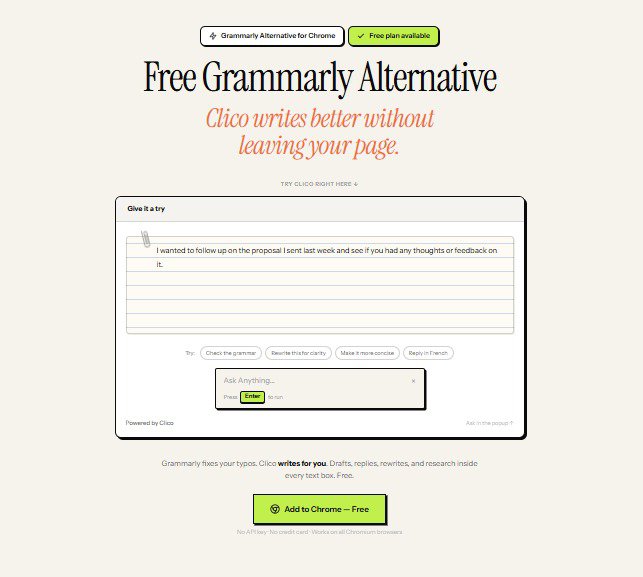
You write inside your browser all day long. Emails, posts, documents, and forms never stop arriving. The right Chrome extension can make that work faster and cleaner. AI writing tools have shifted from novelty to daily habit in record time. Many people now want help that appears right on the page. That is where browser-based assistants shine. One option worth a close look is Clico, a free Grammarly alternative that brings ChatGPT and Claude to any text box. It can rewrite, summarize, and answer questions without a new tab. In this guide, I round up the AI writing extensions worth trying in 2026. I also share simple criteria to help you choose well.
Why browser-based AI writing tools matter now
Most writing happens where you already are. You rarely want to copy text into a separate app. A browser extension keeps your draft, your tab, and your focus together.
That unity matters because context switching is costly. Every jump to another window breaks your train of thought. Tools that live in the page remove that friction entirely.
They also lower the barrier to getting started. A blank box feels less daunting when help sits one shortcut away. For many writers, that nudge is the whole difference.
The adoption curve is steep
AI use has climbed at a remarkable pace across every sector. According to Stanford’s 2025 AI Index report, 78% of organizations used AI in at least one business function in 2024, up from 55% a year earlier. That jump shows how quickly these habits spread. Individual writers feel the same pull every day. When the tools live in the browser, adoption gets even easier.
What to look for in an AI writing extension
Not every tool fits every writer. Run through a short checklist before you install anything.
- Works inside any text box, not just one website
- Can summarize, rewrite, and answer questions in context
- Lets you choose the model or tone you prefer
- Explains clearly how it handles your data
- Offers a usable free tier so you can test it first
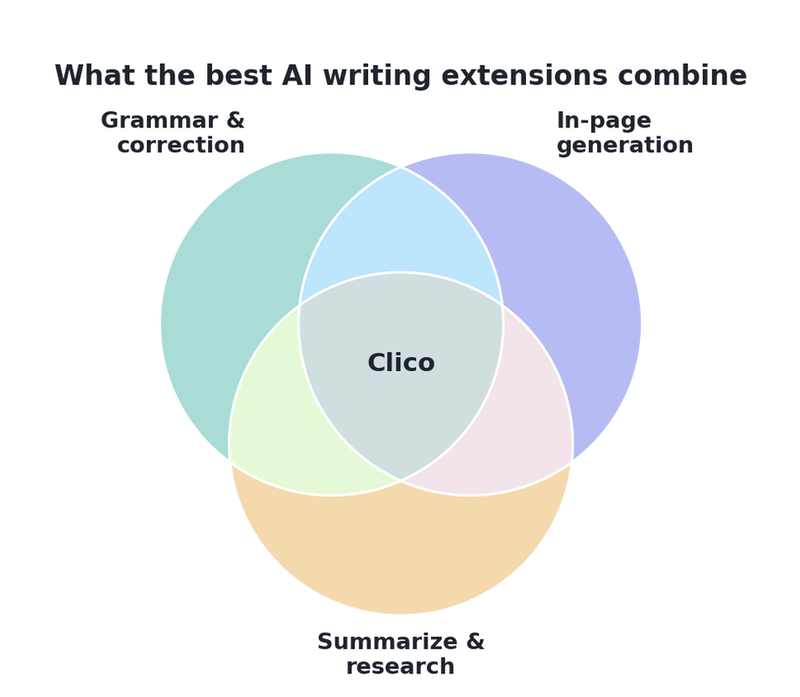
The best extensions blend several strengths at once. The diagram below shows where that sweet spot sits.
The extensions worth trying in 2026
Clico
Clico runs as a Chrome extension and works on the page you are viewing. It can summarize articles, rewrite text inside any box, and answer questions in context. You can also translate or simplify passages without switching tabs. For everyday browser writing, that mix is genuinely useful.
Grammarly
Grammarly remains a strong choice and now offers generative AI, not just grammar checks. Its suggestions are polished and its editor is mature. If deep style correction is your main need, it earns its place.
Other notable picks
Several model-maker extensions and niche tools also deserve a look. Test a few, then keep the one that matches your daily writing. Many writers happily run Clico beside a dedicated proofreader.
In the end, the best extension is simply the one you keep open. Test a few on real writing, then commit to a favorite. Match the tool to your most common task and tone. Let results, not hype, guide the final choice. A good assistant should fade into your workflow and just help.
How to Use Clico
Getting started with Clico takes only a minute. The steps below show the full flow from install to first draft.
- Install Clico from the Chrome Web Store; it also works on Edge, Brave, and Arc
- Open any text box, then press ⌘O on Mac or Ctrl+O on Windows
- Let Clico read the visible page so it understands your context
- Ask it to write, rewrite, summarize, research, or translate in place
- Review the draft it auto-types, then edit and publish
The free plan includes 100 AI generations each month with no API key. Clico also skips password and payment fields by design. You stay in control, since it only activates when you press the shortcut.
Conclusion
AI writing extensions have become standard kit for browser-first work. The best one is simply the tool you open every day. Start with a free trial, compare the results, and let your own workflow decide. In 2026, smarter writing is only a shortcut away inside your browser.

Safeguard Your Child Against Online Threat
Register Now Cancel Any Time
Available
on
Cancel Any Time
Available
on