
Published on Dec 02, 2025

Prasanta R
Top 10 Benefits of Mobile Device Management (MDM) for Businesses
Most of us don’t just work on laptops and phones anymore; we practically live our entire day on them. Quick email here, a video call there, sharing a file in between, and work keeps moving because these devices keep us connected. With hybrid and remote work now standard, it’s no surprise to see people signing in from a spare bedroom, a noisy café, or even while waiting to board a flight.
Convenient? Absolutely. That convenience has a flip side. Leave a phone behind in a cab and suddenly client information isn’t so private. Hop on public Wi-F,i and you might be sharing more than just your connection with the barista. Even that “useful” new app could be hiding a nasty surprise that puts company data at risk.
And that’s exactly where Mobile Device Management (MDM) comes in. It helps businesses keep their devices under control by protecting data, laying down the ground rules, and giving IT the power to step in fast when trouble shows up. The best part? It does all of this without slowing people down.
In the sections that follow, we’ll unpack why MDM matters and explore ten key benefits businesses gain from using it.
Why Can't Businesses Afford to Skip MDM?
Work has changed for good. People want the freedom to work from anywhere, and businesses can’t ignore that. But here’s the trade-off: every phone, laptop, or tablet tied to company data is also a potential way in for attackers if nobody’s watching over it.
That’s where MDM earns its keep. It gives IT teams visibility into every device, lets them keep things under control, and makes sure sensitive information isn’t left wide open. And it’s not just about security, MDM also saves IT from drowning in repetitive tasks, helps employees stay productive, and makes compliance less of a headache.
At the end of the day, MDM isn’t just another line item in the software budget. It’s part of the foundation for running a business that’s both smarter and safer. Many businesses even combine MDM with kiosk lockdown setups to restrict devices for specific business purposes, ensuring employees only access approved apps. For example, with android single app kiosk mode, a device can be locked to one business-critical app, which is especially useful in industries like retail, logistics, or education.
Top 10 Benefits of Mobile Device Management (MDM)
1. Limited and Secure File Transfer
Sharing files is part of how work gets done, but it’s also one of the easiest ways for information to spill outside the company. Maybe someone sends a report through the wrong app, or forwards it to the wrong contact and suddenly, data that should’ve stayed private is out in the open.
Mobile Device Management (MDM) helps by putting limits in place. IT can set the rules on which apps handle sharing, what kinds of files are allowed to move, and where they’re stored once they’re sent.
Think of it less like a roadblock and more like lane markers on a highway. People still get where they need to go, but the lines help keep them from drifting into trouble.
2. Easy Remote Device Monitoring
IT no longer has to run around checking each laptop or phone by hand. With MDM, everything shows up in one central dashboard, giving admins a clear view and control over every device tied to the company.
From one place, IT can:
● Check device health and compliance.
● Push security updates.
● Restrict unauthorized apps.
● Disable or block access if needed.
Even if a device is halfway across the world, admins can enforce rules instantly. This constant oversight keeps the company’s digital environment safe without slowing down employees.
3. Prevent Screen Recording
Data leaks don’t always happen through big file transfers. Sometimes it’s as simple as someone grabbing a screenshot. One quick screen snap or a recording of a secure app, and sensitive details are suddenly exposed. For industries like finance, healthcare, or law, that’s the kind of risk that keeps leaders up at night.
MDM helps close that gap. It can block screenshots or screen recording for specific apps and work profiles. Take a banking app, for instance admins can lock it down so nothing on the screen can be copied or shared.
It may seem like a small control, but it makes a huge difference in keeping company information safe and protecting customer trust.
4. Stronger Cybersecurity
The cost of losing data often outweighs the value of the device itself. A lost laptop can be replaced but if it contains unencrypted files, the damage to the company could be irreversible.
MDM provides multiple layers of defense:
● Automatic encryption of company data.
● Policy enforcement to ensure strong passwords.
● Regular patch and update management.
● Website blocking for safer browsing.
● Remote troubleshooting with controlled access.
● Geofencing to secure devices within allowed areas..
It also allows companies to monitor what cloud services employees are accessing, reducing the risk of shadow IT. Combined, these measures drastically cut down the chances of data theft, phishing attacks, or malware infections.
5. Support for Bring Your Own Device (BYOD)
Plenty of companies let employees use their own phones and laptops for work. It saves money and people like using devices they already know. The downside? Mixing personal and business data on the same device can get messy fast.
MDM fixes that by carving out a secure “work space” on personal devices. Business apps and files stay in that protected zone, while personal photos, messages, and social apps are left alone.
The result is the best of both worlds: employees keep the comfort of their own devices, and businesses don’t have to compromise on security.
6. Remote Data Wiping and Locking
Imagine an employee loses their work phone in a coffee shop. Without protection, that device could expose the entire company’s data.
With MDM, IT can:
● Locate the device.
● Lock it instantly to prevent access.
● Wipe all company data remotely if recovery isn’t possible.
This ability offers peace of mind. Instead of panicking over lost devices, businesses can confidently manage risks and continue operations without disruption.
7. Restricting Personal Email for Work Data
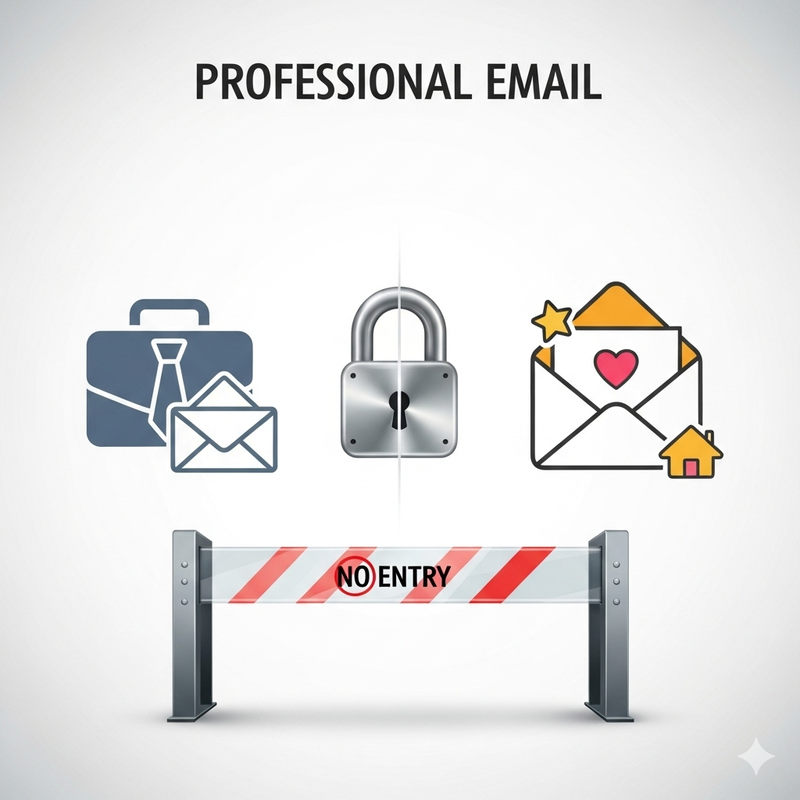
It doesn’t take much for sensitive files to slip out. A quick forward from a personal email account, and suddenly company data is floating around outside secure systems.
MDM helps stop that from happening. With the right policies in place, employees can be blocked from sending or opening work files through personal email.
It’s a simple safeguard, but an effective one. By keeping business communication inside approved domains, companies lower the chance of leaks whether accidental or intentional.
8. Up-to-Date Security and Compliance
Outdated software is a hacker’s best friend, it’s basically leaving the door unlocked. Even a short delay in patching gives attackers a chance to slip in. The problem is, most employees either snooze update reminders or push them off for “later,” which often means never.
MDM takes the guesswork out of it. Instead of counting on people to keep devices updated, IT can roll out patches and enforce policies automatically, straight from a central dashboard. Every device stays current without someone hovering over it.
And here’s the win for employees: they don’t have to drop what they’re doing or sit through long reboots. Updates happen quietly in the background, so security stays tight without cutting into work time.
9. Enhanced Device Tracking and Location Control
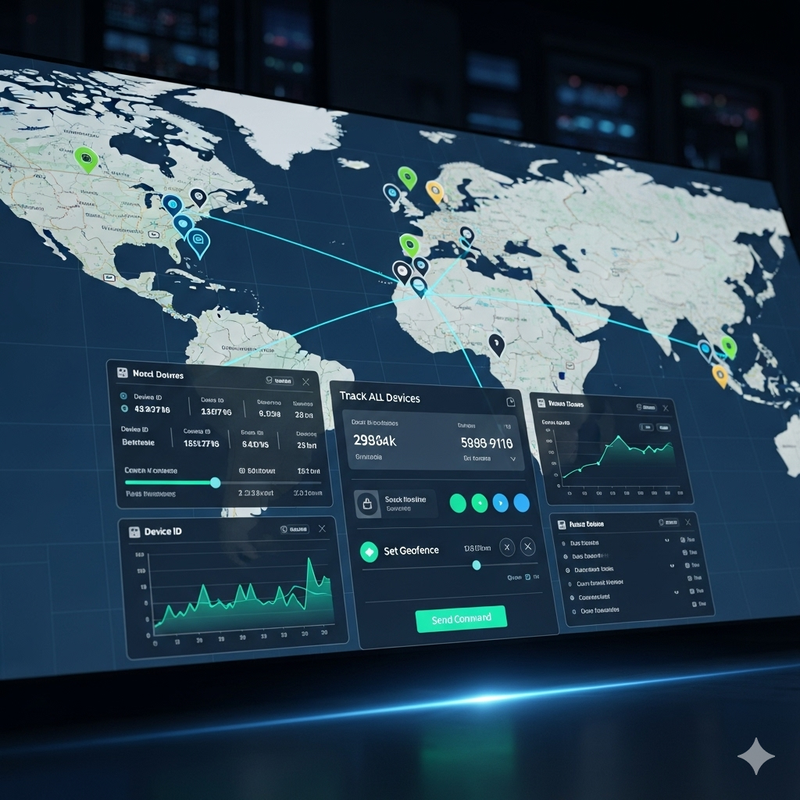
Knowing where your devices are is just as important as securing them. MDM includes location tracking features, allowing businesses to monitor device usage within specific areas.
For instance, logistics companies can ensure drivers only use devices within assigned routes. Healthcare providers can keep sensitive tablets within hospital premises. Retailers can monitor store devices to prevent theft or misuse.
Some MDM solutions also enforce VPN usage, ensuring data travels through secure channels no matter where the device is located.
10. Reduced IT Workload and Costs
Ask anyone in IT and they’ll tell you that setting up and maintaining hundreds of laptops or phones by hand is brutal. Every device needs its own configuration, its own updates, its own troubleshooting. Add a few hundred more, and suddenly it’s a full-time headache.
That’s where MDM really takes the pressure off. Rather than clicking through devices one at a time, admins can scan a QR code, tap with NFC, or roll out a whole batch in one go. Updates, patches, and new policies reach every device at once, no chasing, no endless setup loops.
The payoff? IT teams spend less time stuck in repetitive tasks and more time working on projects that actually push the business forward. Oh, and the company saves money along the way.
Why Invest in MDM?
MDM isn’t just another IT software, it’s what keeps day-to-day work running without unnecessary friction. It helps businesses stay on top of devices while letting people work the way they need to. That might mean keeping remote teams online, keeping work apps separate from personal ones, or stepping in fast when a lost device could put data at risk.
The real value shows up in the background. Routine updates happen quietly, compliance boxes get ticked automatically, and IT doesn’t spend half its week chasing down devices one by one. MD tools like Scalefusion free up time and energy so teams can focus on projects that actually grow the business.
It doesn’t matter if you’re a ten-person startup or a global enterprise, an MDM solution like Scalefusion pays off. It tightens security, gives employees the freedom to work the way they want, and keeps IT from drowning in repetitive tasks. With added Android MDM features such as kiosk lockdown and android single app kiosk mode, businesses can go a step further in securing devices while tailoring them for specific workflows.
At the end of the day, MDM isn’t just about protecting devices. It’s about protecting the business, empowering the people who run it, and making sure technology works for you and not against you.

Safeguard Your Child Against Online Threat
Register Now Cancel Any Time
Available
on
Cancel Any Time
Available
on